Why Ascent ERP is the Go-To Choice for Salesforce Power Users in 2026?
The Power of Native Salesforce Architecture
Managing a business across multiple disconnected platforms is a recipe for data silos and operational headaches. If a business owner already relies on Salesforce for his CRM needs, he shouldn’t have to jump into a completely different environment to check stock levels or manage production orders. This is where Ascent ERP changes the game. Unlike many competitors that merely sync data via APIs, Ascent is built natively on the Salesforce platform.
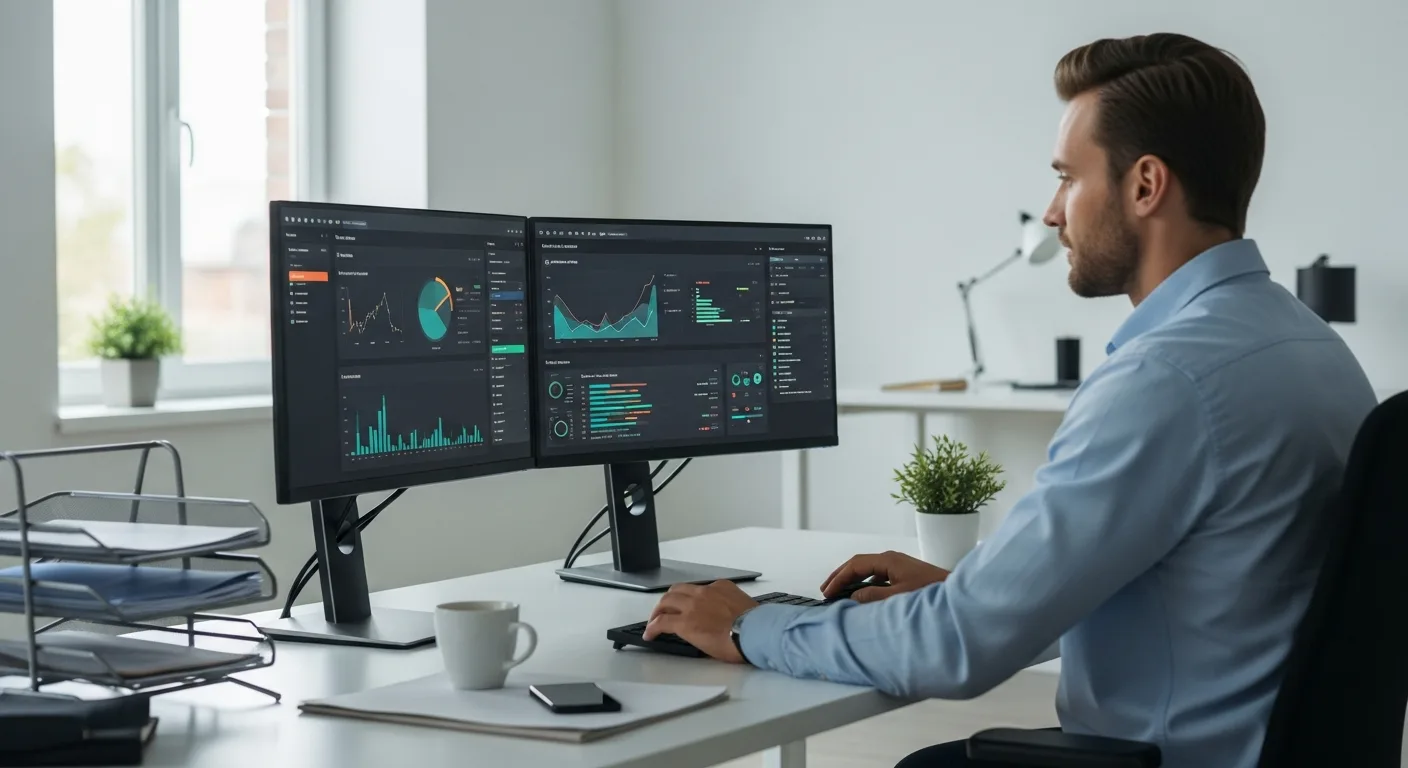
When a manager uses a native solution, he benefits from a shared data model. There is no lag, no synchronization errors, and no need for complex middleware. He can leverage the same reporting tools, dashboards, and security protocols he already uses for his sales team. This deep integration is why many professionals often ask is Salesforce an ERP system on its own; while Salesforce provides the foundation, Ascent ERP provides the specialized operational muscles required for inventory and manufacturing.
Inventory Management That Actually Works
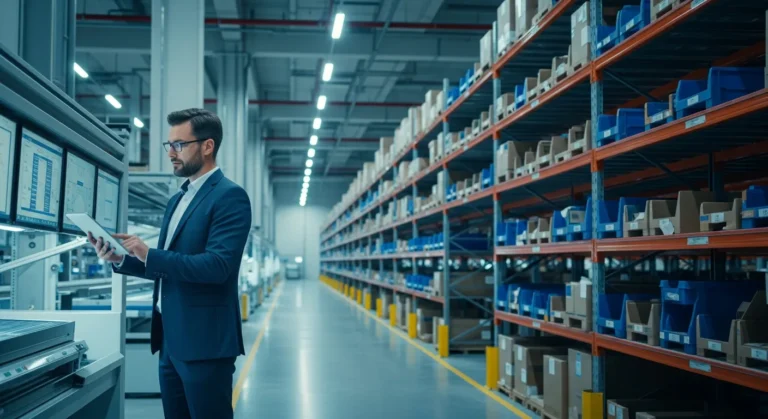
Inventory is the lifeblood of any product-based business. Ascent ERP provides a granular view of every SKU across multiple warehouses. A warehouse manager can track items from the moment they arrive at the receiving dock until they are shipped to the customer. The system supports barcode scanning, serialized inventory, and lot tracking, ensuring that he never loses sight of high-value assets.
- Real-Time Visibility: Know exactly what is in stock, what is committed to orders, and what is in transit.
- Multi-Location Support: Manage inventory across various physical sites or virtual locations effortlessly.
- Automated Reordering: Set minimum thresholds so the system alerts the procurement officer when it is time to buy more.
Manufacturing and Production Control
For businesses involved in assembly or full-scale production, Ascent ERP offers a robust manufacturing module. It handles everything from Bill of Materials (BOM) management to work order execution. A production planner can visualize his entire shop floor, ensuring that materials are staged and ready for the technicians. This level of control is essential for maintaining manufacturing ERP software efficiency in a competitive market.
The system allows him to track labor costs, machine time, and overhead, providing a true cost-of-goods-sold (COGS) calculation. By understanding the exact cost of every finished good, he can make better pricing decisions and improve his overall margins. In 2026, where supply chains remain volatile, having this level of precision is a massive competitive advantage.
Streamlining the Order-to-Cash Cycle
Ascent ERP bridges the gap between the sales rep and the fulfillment team. When a salesperson closes a deal in Salesforce, the order flows directly into Ascent. The fulfillment team sees the order immediately, checks stock availability, and generates pick lists. This eliminates manual data entry and reduces the risk of shipping the wrong product.
He can also manage complex pricing structures, discounts, and backorders within the same interface. If a customer calls to check on his shipment, the support agent can see the real-time status of the order without having to call the warehouse. This transparency builds trust and improves the customer experience significantly.
Rental and Asset Management Capabilities
A unique feature of Ascent ERP is its dedicated rental module. If a business owner rents out equipment—whether it is heavy machinery or specialized tools—he needs to track availability, maintenance schedules, and return dates. Ascent allows him to convert a standard inventory item into a rental asset with a single click. He can manage rental contracts, track depreciation, and ensure that every piece of equipment is serviced and ready for the next client.
Frequently Asked Questions
Is Ascent ERP a standalone software?
No, Ascent ERP is built natively on the Salesforce platform. A user must have a Salesforce environment to install and run Ascent, as it utilizes the Salesforce database and infrastructure.
Can Ascent ERP handle multi-currency transactions?
Yes, it fully supports multi-currency and multi-language capabilities, making it an excellent choice for a business owner operating in international markets.
Does it support mobile barcode scanning?
Absolutely. Ascent ERP has a mobile application that allows warehouse workers to perform picks, packs, and shipments using mobile devices, which updates the Salesforce records in real-time.
How long does a typical implementation take?
Implementation timelines vary based on the complexity of the business, but most companies can expect a rollout period of 3 to 6 months to ensure all data is migrated and the team is fully trained.