Why Mobile ERP is the Backbone of Modern Business Agility
The Shift from Desktops to Pocket-Sized Powerhouses
The days of a manager being tethered to a mahogany desk just to approve a purchase order or check inventory levels are dead. In 2026, the speed of business is dictated by how quickly a leader can react to data while he is on the move. Mobile ERP has transitioned from a luxury add-on to the primary interface for enterprise resource planning.
Modern professionals expect the same fluidity from their work software that they get from their personal apps. If a warehouse supervisor cannot update stock levels directly from the loading dock using his smartphone, the system is failing him. This shift isn’t just about convenience; it is about eliminating the lag between an event happening and the system reflecting that reality.
Real-Time Decision Making for the Modern Executive
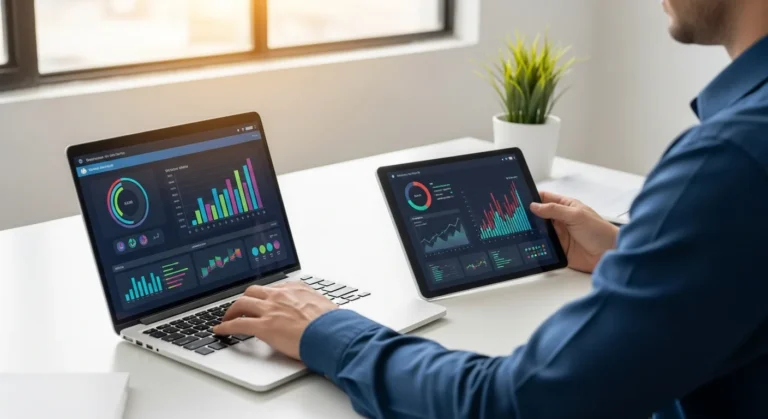
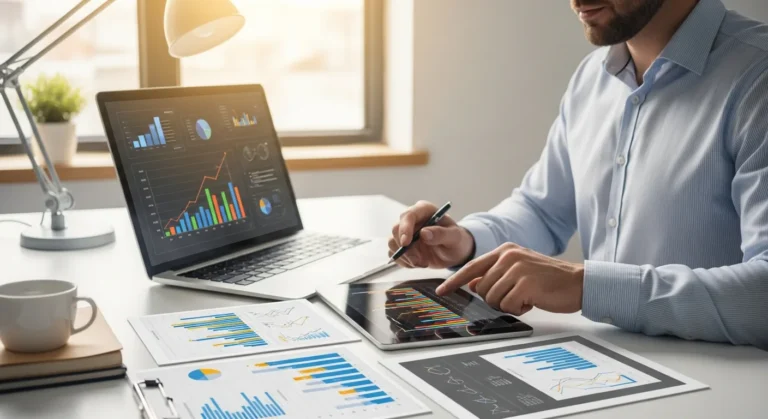
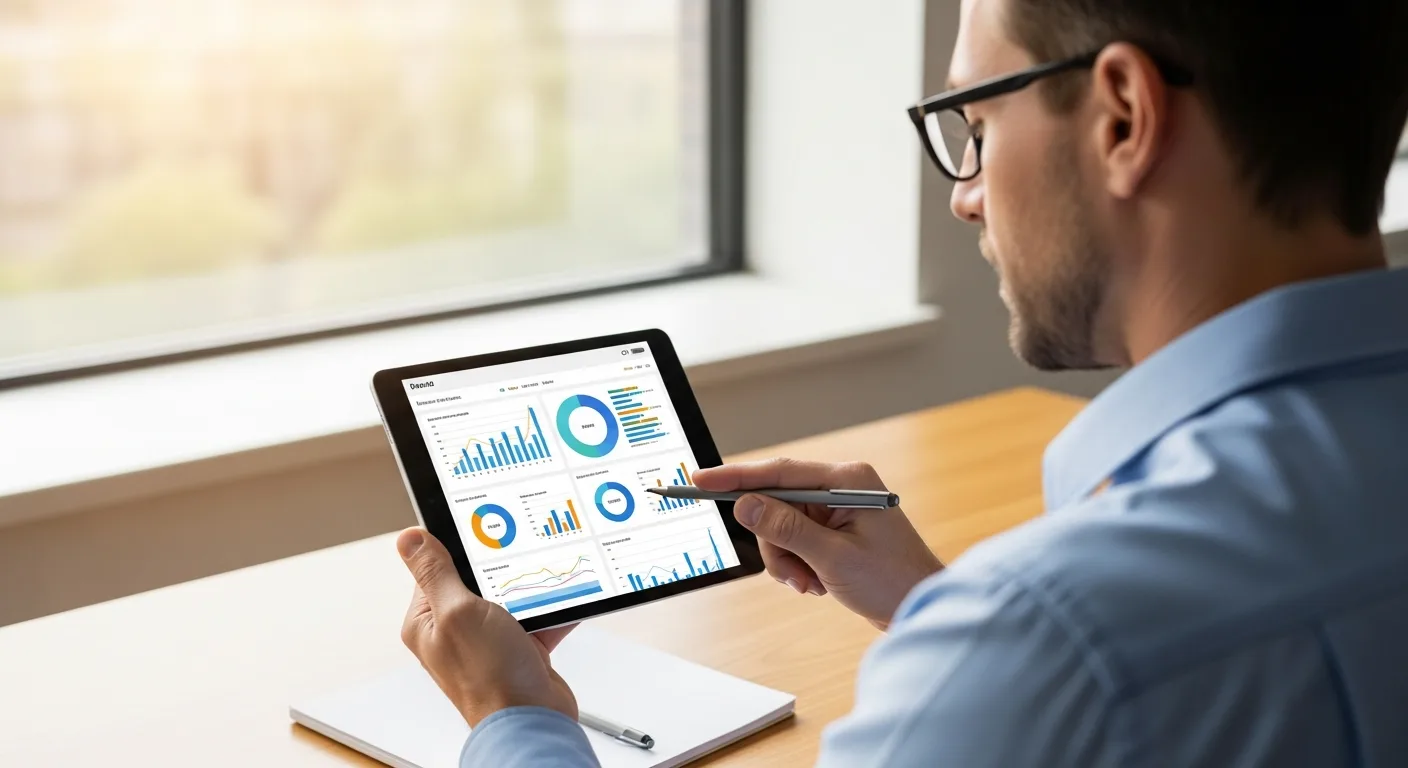
When an executive is traveling between meetings, he needs a bird’s-eye view of his operations without calling his office. Mobile ERP provides live dashboards that pull data from every department—finance, HR, and supply chain—into a single, readable interface. This allows him to spot a bottleneck in production or a dip in cash flow instantly.
By leveraging seamless ERP integrations for operational efficiency, a business ensures that the data on a mobile device is just as accurate as the data on a central server. This synchronization prevents the dreaded “data silo” where the field team is working with outdated information while the home office sees something entirely different.
Empowering the Field Workforce
For technicians and sales representatives, mobile ERP is a game-changer. Consider a field service engineer arriving at a client site. With a mobile ERP app, he can:
- Access Service History: Instantly see what repairs were done previously.
- Inventory Check: Verify if a replacement part is in his van or needs to be ordered from the warehouse.
- Instant Invoicing: Generate a bill and capture a digital signature the moment the job is finished.
This level of autonomy boosts morale and productivity. He no longer has to spend his evening filing paperwork because the “paperwork” was completed in real-time during his shift.
Mobile ERP for Small and Growing Businesses
It is a common misconception that mobile-first enterprise software is only for global conglomerates. In fact, an ERP system for small business often sees the highest ROI from mobile adoption. Small business owners often wear multiple hats; a founder might be the lead salesman, the HR manager, and the head of procurement all at once.
Mobile access allows him to manage these diverse responsibilities without being stuck in an office. Whether he is at a trade show or visiting a supplier, he maintains full control over his business operations. The ability to approve expenses or view a client’s credit limit on the fly can be the difference between closing a deal and losing it to a faster competitor.
Key Features to Demand in 2026
Not all mobile ERP solutions are created equal. To ensure a high adoption rate among staff, the software must prioritize User Experience (UX). If the interface is clunky or requires too many taps to reach a core function, the user will simply stop using it. Look for these essential features:
- Native App Performance: Native apps are faster and more reliable than mobile web wrappers.
- Offline Functionality: The ability to input data without an internet connection and sync later is vital for remote sites.
- Biometric Security: Utilizing fingerprint or facial recognition ensures that sensitive company data remains secure even if a device is lost.
- Push Notifications: Real-time alerts for urgent approvals or low-stock warnings keep the workflow moving.
Security and Data Integrity
The biggest hurdle for any IT director is security. When a manager accesses the company’s financial core from his personal phone, the risk of data leakage increases. However, modern mobile ERP platforms use end-to-end encryption and Multi-Factor Authentication (MFA) to mitigate these risks. Centralized device management allows an admin to remotely wipe company data from a device if a staff member leaves the company or loses his phone, ensuring that proprietary information never falls into the wrong hands.
Frequently Asked Questions
Does mobile ERP work without an internet connection?
Most premium mobile ERP solutions offer an offline mode. This allows a user to enter data, such as sales orders or maintenance logs, which then automatically syncs with the central database once he regains a stable internet connection.
Is mobile ERP secure for sensitive financial data?
Yes, provided the system uses enterprise-grade encryption and MFA. Most systems also allow administrators to restrict what data is visible on mobile devices, ensuring a manager only sees what he needs to perform his specific role.
Will mobile ERP replace the desktop version?
Unlikely. While mobile is perfect for quick tasks, approvals, and data entry, complex tasks like deep financial auditing or heavy data configuration are still better suited for a desktop environment with multiple monitors and a full keyboard.