What is the Best Free Photo Editing Software for Professional Results in 2026?
The landscape of digital creativity has shifted dramatically. In 2026, you no longer need a heavy monthly subscription to access high-end tools. Whether you are a social media influencer, a small business owner, or a hobbyist, finding the best and free photo editing software has become easier than ever, thanks to the integration of AI and cloud computing.
But with so many options available, how do you determine what is the best free photo editing software for your specific needs? In this guide, we break down the top contenders for desktop and browser-based platforms to help you create stunning visuals without spending a dime.
The Evolution of Free Photo Editing Software
Modern photo editing software has evolved beyond simple cropping and brightness adjustments. Today’s tools offer advanced features like AI-powered object removal, neural filters, and non-destructive RAW editing. When searching for the best photo editing free software, it is important to consider whether you need a deep, feature-rich desktop application or a quick, accessible online photo editor.
For those who frequently switch between creative mediums, it is worth noting that the ecosystem of free creative tools is expanding. If you are also exploring sound design, you might find our guide on versatile audio editing tools useful for your multimedia projects.
Top Desktop Contenders: Power and Precision
If you require the most powerful features, desktop applications still reign supreme. They handle large files more efficiently and offer more granular control.
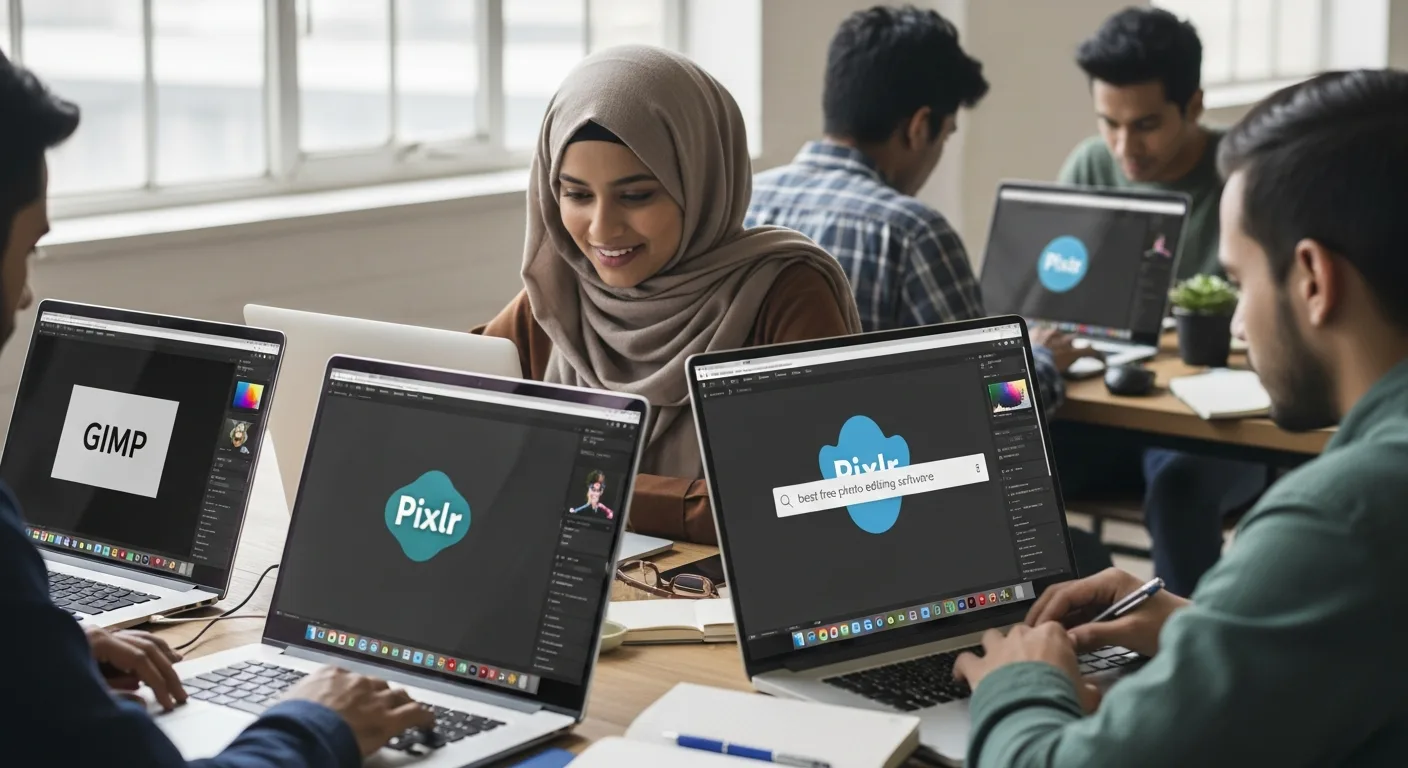
- GIMP (GNU Image Manipulation Program): Often cited as the best photo editing software free of charge, GIMP remains the gold standard for open-source editing. Its 2026 updates have significantly improved the user interface, making it more intuitive for those transitioning from paid alternatives.
- Darktable: For photographers who need a robust workflow for RAW files, Darktable is arguably the free best photo editing software for color grading and non-destructive edits.
- Krita: While primarily known for digital painting, Krita’s photo manipulation tools are world-class. Digital artists often pair these tools with top-rated free drawing software to create unique composite images and textures.
The Rise of the Online Pic Editor
Not everyone wants to install large files on their hard drive. This is where online pic editing shines. Browser-based tools have become incredibly fast, often rivaling desktop performance. If you are wondering what free photo editing software is the best for quick turnarounds, look no further than these web-based powerhouses:
- Photopea: This is a remarkable pic editor online that mirrors the interface of industry-standard paid tools. It supports PSD, XCF, and Sketch files, making it a favorite for designers on the go.
- Pixlr: Known for being the best free online editing photos enthusiasts use for quick social media filters and AI-assisted background removals.
- Canva: While it has a premium tier, the free version remains a dominant force for template-based design and basic photo adjustments.
How to Choose: What is Best Free Photo Editing Software for You?
To decide what is the best photo editing software for free based on your workflow, ask yourself these three questions:
- What is your skill level? Beginners should start with an online photo editor like Pixlr, while pros will prefer GIMP.
- What are your hardware constraints? If you have a lower-spec laptop, online pic editing saves system resources.
- Do you need AI features? Many 2026 tools now include “one-click” AI enhancements, which are essential for high-volume work.
Ultimately, what are the best free photo editing software options depends on the balance between complexity and convenience. There is no longer a need to compromise on quality just because you are using a free tool.
Frequently Asked Questions
What is the best free photo editing software for beginners?
For beginners, Canva or Pixlr are the most user-friendly options. They provide intuitive interfaces and pre-set templates that make professional-looking edits possible with zero prior experience.
Is free photo editing software safe to download?
Yes, provided you download from official sources. Open-source projects like GIMP and Krita are maintained by global communities and are very secure. Always avoid third-party “cracked” software sites.
Can I edit RAW files with a free online photo editor?
While some online tools like Photopea offer basic RAW support, for professional RAW processing, it is better to use a dedicated desktop application like Darktable or RawTherapee.
What is the best free photo editing software for mobile?
Snapseed and the free version of Adobe Lightroom Mobile are widely considered the best options for editing on the go in 2026.