Which Free Drawing Software Actually Rivals Professional Tools in 2026?
The barrier to entry for digital artists has never been lower. In the past, professional-grade features like CMYK support, advanced brush stabilization, and complex layering were locked behind expensive monthly subscriptions. However, as we move through 2026, the open-source community and independent developers have bridged the gap, offering tools that rival industry giants.
Whether you are a concept artist, a comic creator, or a hobbyist looking to experiment, finding the right canvas is essential. When building a complete creative workstation, artists often look for high-quality multimedia tools to complement their visual output, ensuring their digital presence is as polished as their portfolio.
The Heavyweights: Top Free Drawing Software Picks
Selecting the right software depends on your specific goals. Are you painting a masterpiece, or are you designing a scalable logo? Here are the top contenders currently dominating the creative landscape.
1. Krita: The Illustrator’s Powerhouse
Krita remains the gold standard for free digital painting. Originally designed for concept artists and illustrators, it features a highly customizable interface and a brush engine that is arguably superior to many paid alternatives. Its 2026 updates have introduced even smoother resource management, making it efficient even on mid-range hardware.
- Key Features: Brush stabilizers, pop-up palette for quick color picking, and full HDR support.
- Best For: Concept art, texture painting, and traditional illustration styles.
2. GIMP: The Versatile Editor
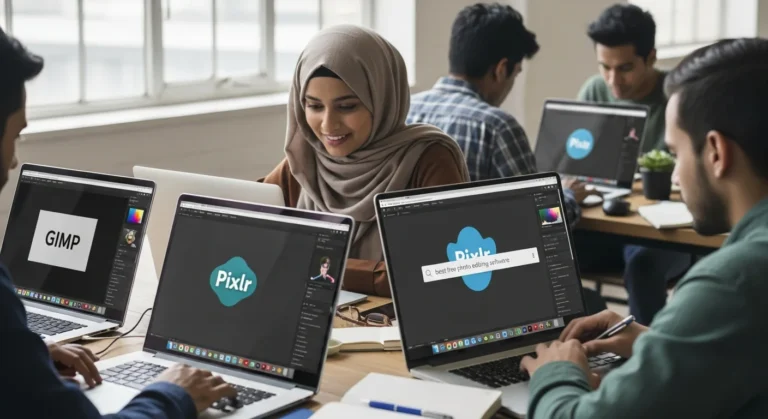
While often compared to Photoshop for photo editing, GIMP (GNU Image Manipulation Program) has evolved into a robust tool for digital drawing. Its massive library of plugins allows artists to tailor the experience to their specific needs. It is particularly useful for those who need to jump between painting and heavy-duty image manipulation.
3. Inkscape: The Vector Authority
If your work involves logos, icons, or technical illustrations, Inkscape is your primary destination. As a vector-based tool, it uses mathematical paths rather than pixels, meaning your art can be scaled to any size without losing quality. The rise of generative features means that knowing how to interact with AI models is becoming a core skill for modern digital illustrators using vector nodes to refine AI-generated shapes.
What to Look for in Digital Art Software
Before hitting the download button, consider these three critical factors to ensure the software fits your workflow:
- Hardware Compatibility: Does the software support pen pressure and tilt sensitivity for your specific drawing tablet?
- Layer Management: Professional work requires non-destructive editing. Ensure the software supports clipping masks and folder organization.
- Community & Tutorials: Open-source software thrives on community. Choose a tool with a wealth of YouTube tutorials and active forums to help you troubleshoot.
The Future of Free Creative Tools
In 2026, we are seeing a massive shift toward cross-platform synchronization. Many of these free tools now offer cloud-saving features that allow you to start a sketch on a tablet and finish it on a desktop. Furthermore, the integration of non-intrusive AI assistants helps with perspective grids and color theory, making the artistic process more fluid than ever before.
Frequently Asked Questions
Is free drawing software safe to download?
Yes, reputable open-source software like Krita, GIMP, and Inkscape are safe, provided you download them from their official project websites. Always avoid third-party “re-pack” sites.
Can I use these tools for commercial work?
Absolutely. Most of these programs are licensed under the GNU General Public License, which allows you to use the software for any purpose, including commercial projects, without paying royalties.
Do I need a high-end PC to run these programs?
Not necessarily. While Krita and GIMP benefit from more RAM, tools like FireAlpaca and MediBang Paint are specifically designed to run smoothly on older hardware or laptops with limited resources.