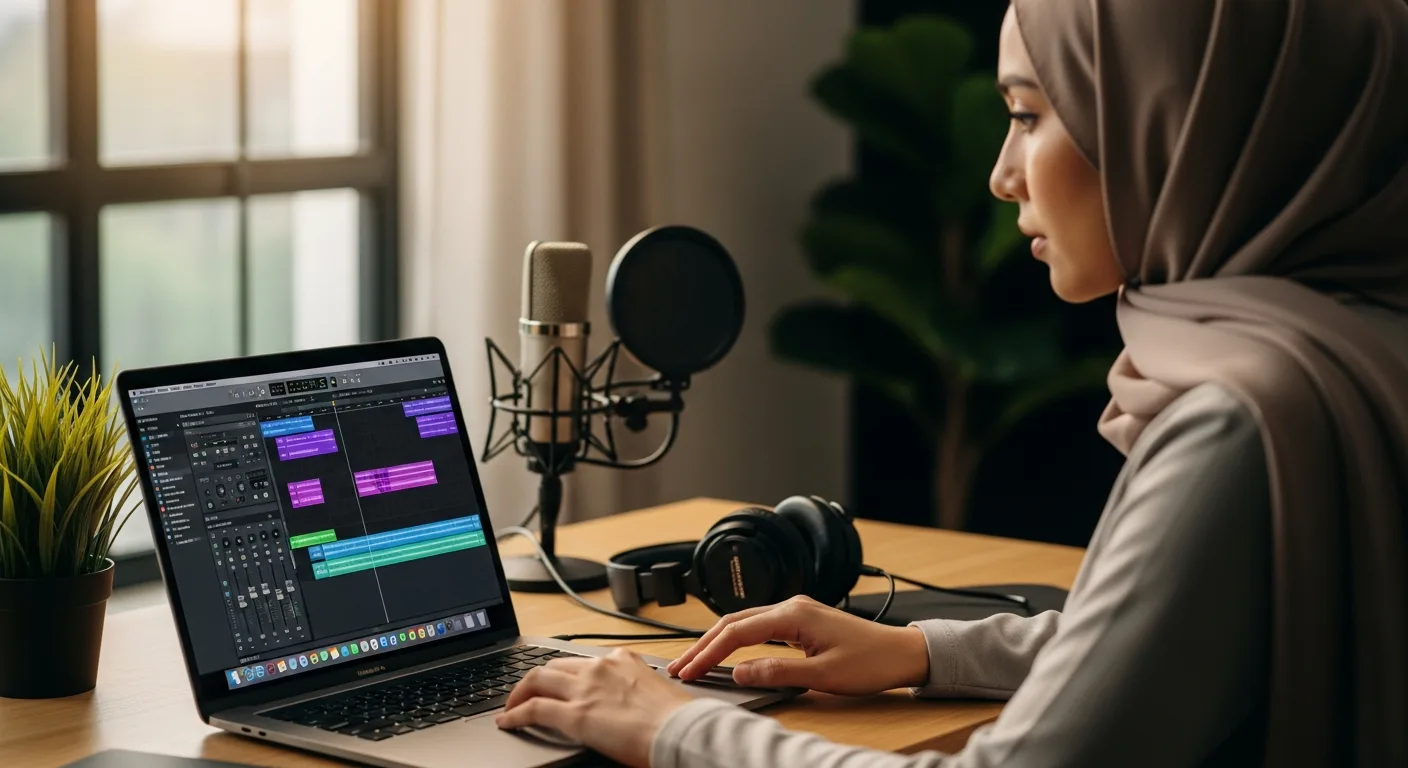
Which Audio Editing Software for Mac Best Fits Your Professional Workflow?
For decades, the Mac has been the sanctuary for creative professionals. Whether you are a bedroom podcaster, a film composer, or a sound engineer, the ecosystem offers a level of stability and hardware-software integration that is hard to replicate. However, with the rapid evolution of Apple Silicon and the integration of artificial intelligence into creative suites, the landscape of audio editing software for Mac has shifted significantly in 2026.
Choosing the right Digital Audio Workstation (DAW) or editor is no longer just about the price tag; it is about how the software aligns with your specific output requirements and your hardware’s processing capabilities.
The Built-in Powerhouse: Why Most Start with GarageBand
Before looking at premium third-party solutions, it is impossible to ignore the tool already sitting in your Applications folder. GarageBand has evolved from a simple hobbyist tool into a surprisingly capable entry-level DAW. It shares the same engine as Logic Pro, making the transition to professional software seamless.
- Best for: Beginners, hobbyist musicians, and quick podcast demos.
- Pros: Completely free, optimized for Apple Silicon, and includes a massive library of loops and virtual instruments.
- Cons: Lacks advanced mixing features like a dedicated mixer console and advanced MIDI transform functions.
Professional Standards: Logic Pro and the Apple Silicon Advantage
Logic Pro remains the gold standard for many Mac users. In 2026, its integration with the latest M-series chips allows for hundreds of simultaneous tracks with virtually zero latency. For those operating in the SaaS and B2B software ecosystem, Logic Pro represents a one-time investment that offers a lifetime of value, avoiding the subscription fatigue common in modern software.
The latest updates have introduced sophisticated AI-driven features, such as the ‘Stem Splitter,’ which can isolate vocals and instruments from a single stereo file with incredible precision. This makes it an essential tool for remixers and sound designers alike.
Adobe Audition: The Post-Production Specialist
If your primary focus is dialogue, radio, or podcasting, Adobe Audition is often the superior choice. Unlike Logic, which is music-centric, Audition is a destructive and non-destructive wave editor designed for precision. Its ‘Spectral Frequency Display’ allows you to visually identify and remove unwanted background noises, such as a siren or a cough, without affecting the rest of the audio.
When exploring the latest models of AI tools, it’s clear that Audition’s integration with Adobe Sensei has set a high bar for automated noise reduction and leveling, making it a favorite for high-volume content creators.
Free and Open Source Options for Mac Users
Not every project requires a $200 software suite. For quick edits, format conversions, or simple voiceovers, open-source tools are still incredibly relevant.
Audacity: The Reliable Classic
Audacity remains the most popular free audio editor in the world. While its interface may look dated compared to the sleek macOS aesthetic, its functionality is unmatched in the free tier. It supports VST, AU, and LADSPA plugins, allowing you to extend its capabilities significantly.
REAPER: The Efficiency King
While not technically free (it offers a generous 60-day trial and a low-cost personal license), REAPER is perhaps the most customizable DAW available for Mac. It is incredibly lightweight, meaning it runs smoothly even on older Intel-based Macs while providing professional-grade routing and automation.
Key Considerations for 2026
When selecting your software, consider the following technical factors:
- Plugin Compatibility: Ensure the software supports the Audio Units (AU) format, which is the native plugin architecture for macOS.
- Neural Engine Utilization: Modern audio tasks like de-reverb and voice isolation now rely on the Mac’s Neural Engine. Choose software that is updated to leverage this hardware.
- Workflow Intent: Are you composing music (Logic Pro, Ableton Live) or editing spoken word (Adobe Audition, Hindenburg Narrator)?
Frequently Asked Questions
What is the best free audio editing software for Mac?
Audacity is the most popular open-source option, but GarageBand comes free with every Mac and is more user-friendly for beginners who want to compose music.
Is Logic Pro worth the investment for podcasters?
While Logic Pro is powerful, podcasters might find Adobe Audition or even the free GarageBand more tailored to their specific speech-editing needs unless they require advanced mastering tools.
Do these software options support the latest Apple Silicon?
Yes, as of 2026, all major audio editing software for Mac is fully optimized for Apple Silicon (M1 through M4 chips) to ensure maximum efficiency and battery life on MacBooks.