How Can an ERP Dashboard Sales View Transform Your Revenue Strategy?
The Power of Real-Time Sales Visibility
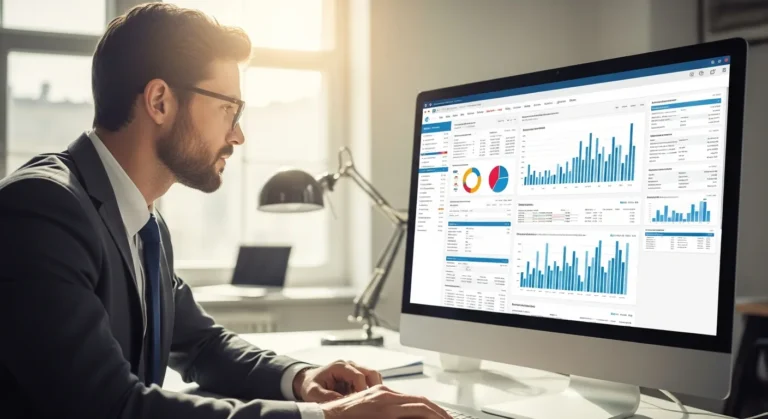
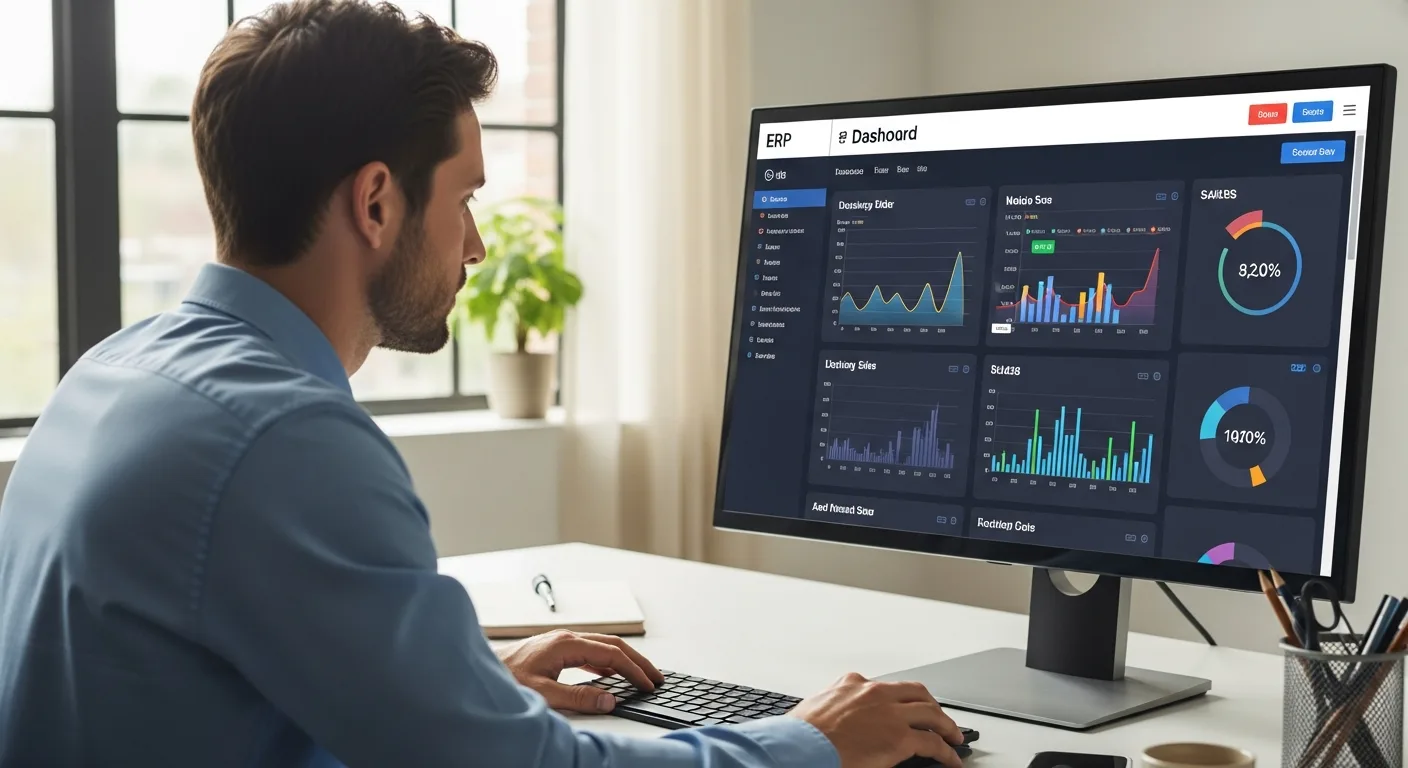
Stop relying on month-end reports to understand your performance. If a sales leader waits until the books close to see his numbers, he is already too late to influence the outcome. An ERP dashboard sales interface changes the game by pulling live data from across the organization—finance, inventory, and CRM—into a single, actionable view.
When a manager logs in, he should immediately see where his team stands against their monthly targets. This isn’t just about looking at pretty charts; it’s about identifying bottlenecks in the pipeline before they turn into missed quotas. By centralizing this data, he eliminates the need to chase down department heads for updates, allowing him to focus on high-level strategy and coaching.
Essential KPIs for the Modern Sales Dashboard
A cluttered dashboard is as useless as no dashboard at all. To maintain focus, a sales executive must prioritize metrics that drive actual growth. Here are the non-negotiables:
- Sales Growth: A direct comparison of current revenue against previous periods to track momentum.
- Lead-to-Customer Ratio: This helps him understand the efficiency of his sales funnel and whether his team is wasting time on low-quality leads.
- Average Deal Size: Tracking this ensures that the sales force isn’t just closing more deals, but higher-value ones.
- Sales Cycle Length: Identifying how long it takes for a lead to move from initial contact to a signed contract.
By monitoring these indicators, he can pinpoint exactly where a representative might be struggling. For instance, if a specific rep has a high volume of leads but a low conversion rate, the manager knows he needs to step in and provide targeted training on closing techniques.
Bridging the Gap Between Sales and Operations
One of the biggest frustrations for a sales professional is selling a product that isn’t in stock. An integrated ERP system solves this by linking sales data directly with inventory management. When he views his dashboard, he can see real-time stock levels, ensuring he never over-promises to a client.
Understanding the differences between ERP and CRM is vital here. While the CRM tracks the relationship and the ‘handshake,’ the ERP handles the fulfillment and the ‘invoice.’ A unified dashboard brings these two worlds together, giving him a 360-degree view of the customer journey from the first pitch to the final delivery.
Leveraging Predictive Analytics for Future Growth
The best sales leaders don’t just look at what happened yesterday; they look at what will happen next quarter. Advanced ERP dashboards now incorporate machine learning to provide predictive insights. By analyzing historical trends and current market conditions, the system can suggest which deals are most likely to close.
Integrating specialized sales forecasting software into the ERP environment allows him to set more accurate budgets and hiring plans. He can see if the current pipeline is sufficient to meet year-end goals or if he needs to ramp up marketing efforts immediately to fill the gap. This proactive approach prevents the ‘feast or famine’ cycle that plagues many sales organizations.
Customizing the View for Different Roles
A one-size-fits-all approach rarely works in a complex sales environment. The dashboard should be tailored to the specific needs of the user:
- The Sales Representative: His view should focus on his personal pipeline, upcoming tasks, and individual commission tracking. This keeps him motivated and organized.
- The Regional Manager: He needs to see a roll-up of his entire territory, comparing the performance of different offices and identifying regional market trends.
- The CFO: His interest lies in cash flow projections and the impact of sales on the company’s overall bottom line.
By providing these customized perspectives, the ERP ensures that every man in the organization has the specific data he needs to perform his job at the highest level without being overwhelmed by irrelevant information.
Overcoming Implementation Hurdles
Transitioning to a data-driven sales culture isn’t without its challenges. The most common obstacle is data integrity. If the sales team doesn’t enter information accurately, the dashboard becomes a ‘garbage in, garbage out’ scenario. A leader must emphasize the importance of clean data and perhaps even tie dashboard accuracy to performance reviews.
Furthermore, user adoption is key. He should choose an ERP with an intuitive interface that doesn’t require a degree in data science to navigate. When the sales team sees that the dashboard actually makes their lives easier—by automating reports and highlighting hot leads—they will embrace the tool rather than view it as a burden.
Frequently Asked Questions
What is the main benefit of a sales dashboard in an ERP?
The primary benefit is the centralization of data. It allows a manager to see sales, inventory, and financial data in one place, enabling faster and more accurate decision-making.
Can I track individual sales rep performance?
Yes. Most modern ERP dashboards allow you to drill down into individual metrics, such as calls made, meetings booked, and total revenue generated per representative.
How often does the data update?
In a true cloud-based ERP, the data updates in real-time. As soon as a sales order is entered or an invoice is paid, the dashboard reflects that change instantly.
Is it possible to integrate my existing CRM with an ERP dashboard?
Most enterprise-level ERPs offer robust API integrations that allow them to pull data directly from popular CRMs, ensuring a seamless flow of information between the two systems.