Which Free CAD Software is Best for 3D Printing in 2026?
Navigating the 2026 Landscape of Free 3D Design Tools
The world of additive manufacturing has evolved rapidly, and by 2026, the barrier to entry for high-quality 3D design has virtually vanished. Whether a hobbyist is looking to fix a broken household item or an aspiring engineer wants to prototype a complex mechanical assembly, he no longer needs to invest thousands in proprietary licenses. The current ecosystem of free CAD software offers professional-grade features that were once reserved for high-end industrial workstations.
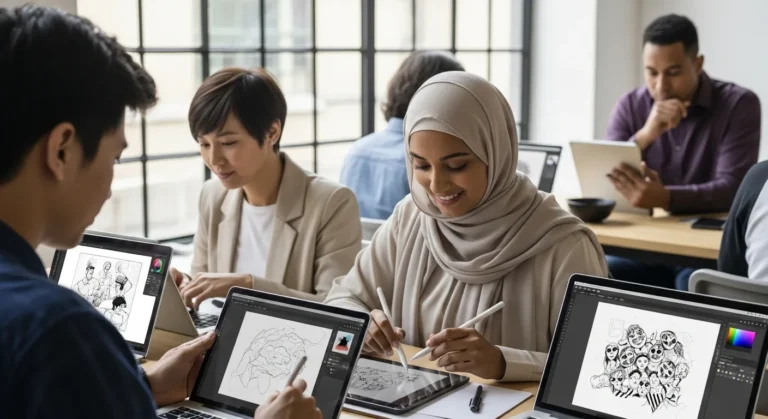
Choosing the right tool depends entirely on a creator’s specific goals. If a designer is coming from a background in 2D sketching, he might find that transitioning to 3D modeling feels more intuitive after mastering the best free drawing software currently available. However, for 3D printing, the focus shifts toward manifold geometry and precise measurements.
The Best Entry-Level Options for Beginners
TinkerCAD: The Gateway to 3D Geometry
TinkerCAD remains the undisputed king for those just starting their journey. It operates entirely in the browser, meaning a user doesn’t need a powerful rig to get started. He can simply drag and drop primitive shapes—cubes, spheres, and cylinders—and combine them to create complex objects. For a maker who needs a quick bracket or a simple nameplate, TinkerCAD is the fastest path from imagination to a physical print.
SelfCAD: Accessible but Powerful
SelfCAD bridges the gap between basic block-building and professional modeling. It offers a more traditional CAD interface but simplifies the learning curve with interactive tutorials. A user will find that his workflow is streamlined by the built-in slicer, allowing him to move from design to G-code without leaving the application.
Professional-Grade Parametric Modeling for Free
FreeCAD: The Open-Source Titan
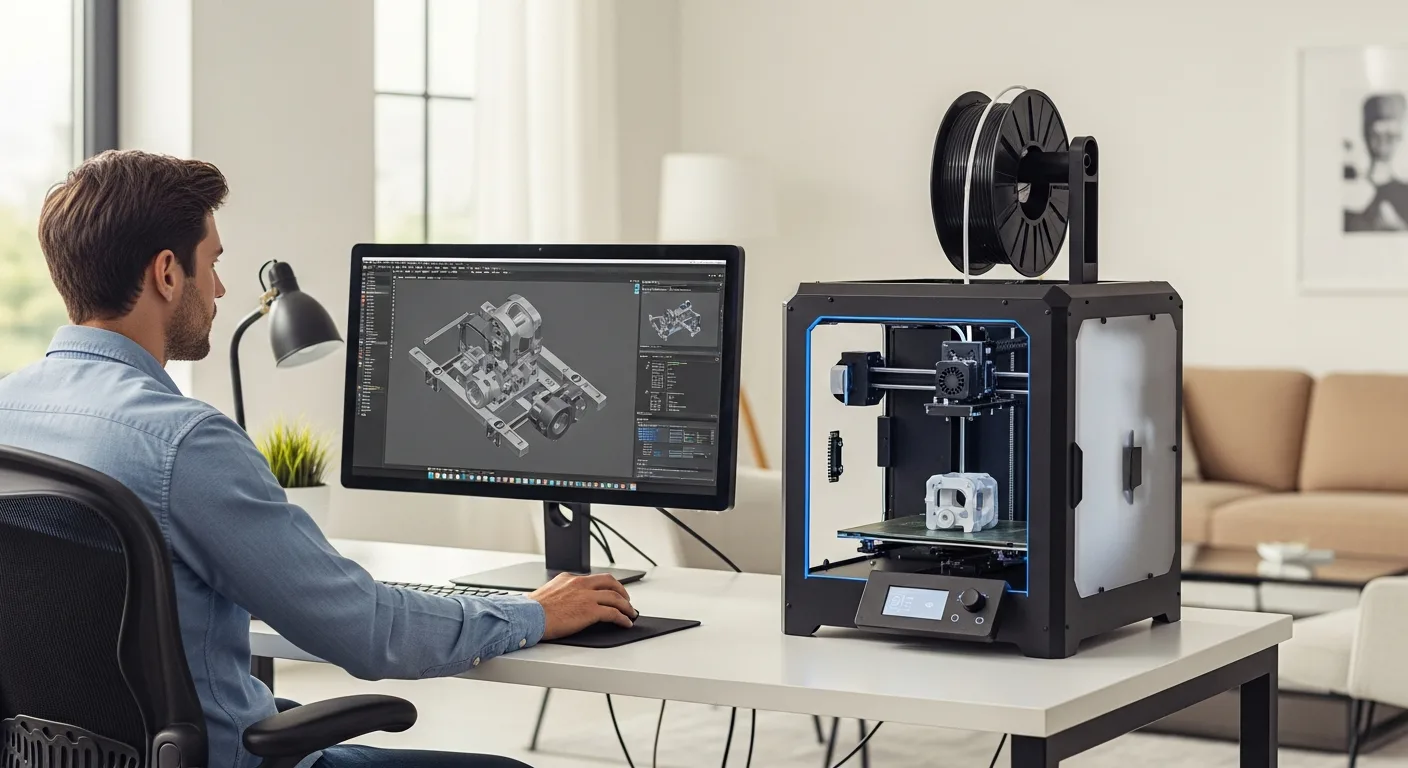
For the user who demands total control and data sovereignty, FreeCAD is the ultimate choice. As an open-source parametric modeler, it allows him to go back into the history of his design and change dimensions, with the entire model updating automatically. This is essential for mechanical engineering projects where precision is non-negotiable. He can extend the software’s functionality through various ‘Workbenches’ tailored to specific tasks like architecture or CNC machining.
For those specifically looking to build custom furniture or home structures, he could also explore a specialized cabinet design software guide to see how parametric tools simplify complex woodworking and interior planning.
Fusion 360 (Personal Use): The Industry Standard
Autodesk continues to offer a restricted but powerful free version of Fusion 360 for non-commercial use. It is widely considered the most polished CAD tool available to the public. The user gains access to advanced features like assembly modeling and basic simulation. While there are limits on the number of active documents he can have, the sheer power of the tool makes it a favorite for serious makers who want to learn a skill transferable to the professional world.
Artistic and Sculptural Design
Blender: Beyond Basic Shapes
While not a traditional CAD tool in the engineering sense, Blender is indispensable for 3D printing artistic figures, jewelry, or organic shapes. By 2026, its 3D printing toolbox has become even more robust, helping the artist ensure his meshes are ‘watertight’ and ready for the printer. If he wants to sculpt a character or design a complex texture, Blender provides a level of creative freedom that parametric CAD simply cannot match.
Cloud-Based Collaboration and Power
Onshape: Engineering in the Browser
Onshape was founded by the creators of SolidWorks and brings professional, cloud-native CAD to the masses. The free version requires all documents to be public, which is perfect for the open-source community. A designer can access his projects from any computer, and he never has to worry about saving files or losing progress due to a crash. It is a sophisticated platform for the maker who wants to collaborate with others on shared mechanical designs.
Frequently Asked Questions
What is the easiest free CAD software for 3D printing?
TinkerCAD is generally considered the easiest. It uses a simple ‘building block’ logic that allows a user to create 3D models within minutes of opening the site, making it ideal for absolute beginners.
Can I use these free tools for commercial projects?
It depends on the license. FreeCAD and Blender are open-source and allow commercial use. However, tools like Fusion 360 and Onshape have specific restrictions that limit their free versions to personal, non-commercial projects.
Do I need a powerful computer to run 3D CAD software?
Not necessarily. Browser-based tools like TinkerCAD and Onshape offload the heavy lifting to the cloud. However, for local software like FreeCAD or Blender, a user will benefit from having a dedicated graphics card and at least 16GB of RAM to handle complex designs smoothly.
Is FreeCAD better than Fusion 360?
It depends on the user’s philosophy. Fusion 360 is more polished and easier to learn, but it is proprietary and has limitations for free users. FreeCAD is entirely free and open-source but has a steeper learning curve and a less intuitive interface.