Which Laser Engraver Software Best Suits Your Creative Workflow?
How Laser Engraver Software Transforms Raw Materials into Art
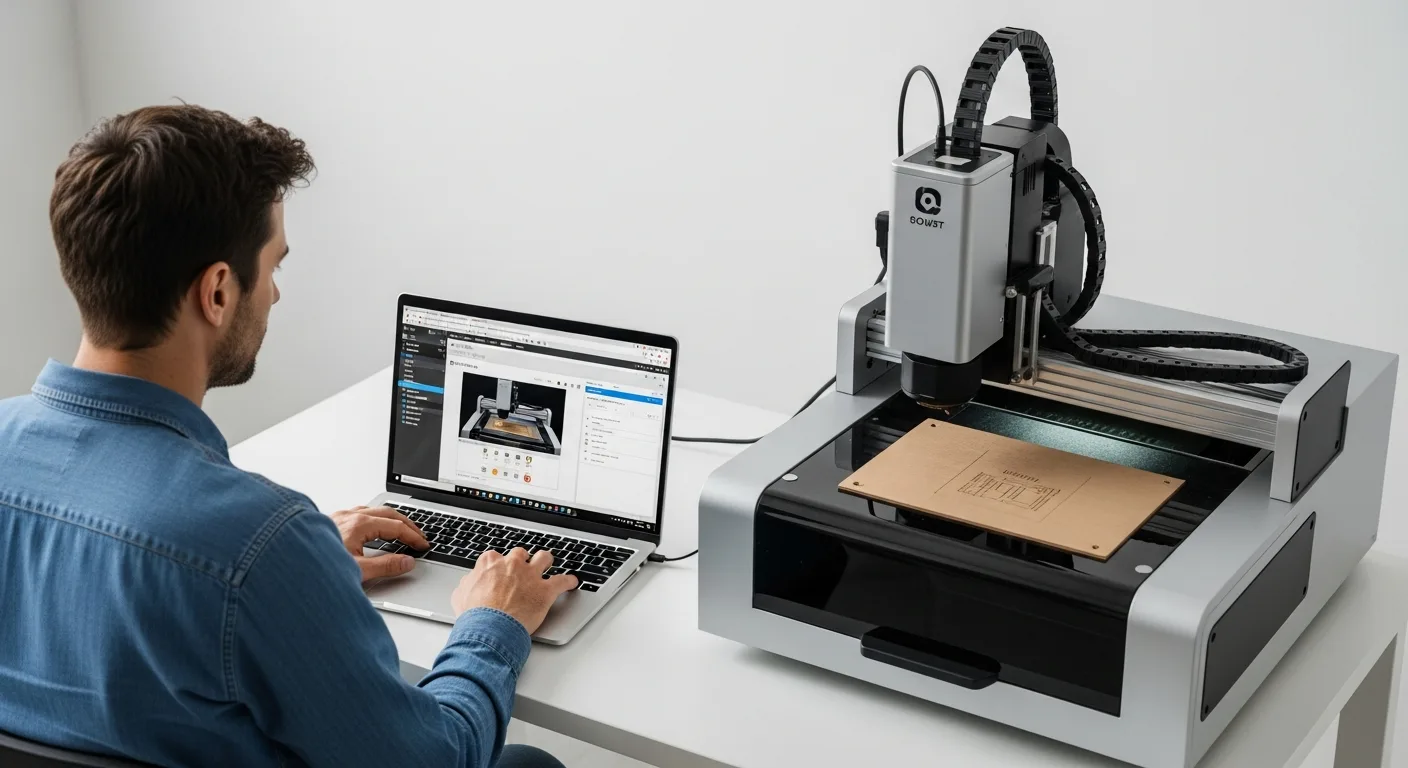
In 2026, the precision of laser engraving has reached unprecedented levels. Whether a creator is working with wood, acrylic, or metal, his choice of laser engraver software dictates the final quality of his work. The software acts as the bridge between a digital concept and the physical execution, translating complex vectors into precise pulses of light. A professional knows that the right tool doesn’t just run the machine; it optimizes his entire creative process.
The Two Pillars: Control Software vs. Design Software
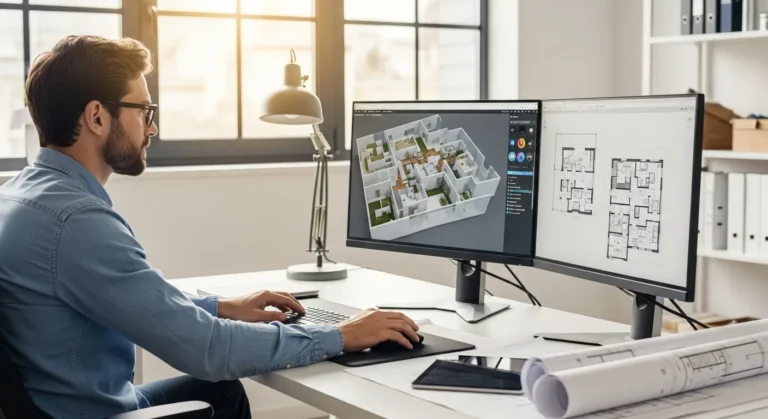
Before a craftsman begins his project, he must understand the distinction between software that designs the artwork and software that controls the machine. While some modern suites offer both, many professionals prefer a specialized approach to ensure maximum detail.
- Control Software: This sends the G-code to the machine, managing power levels, speed, and focal points.
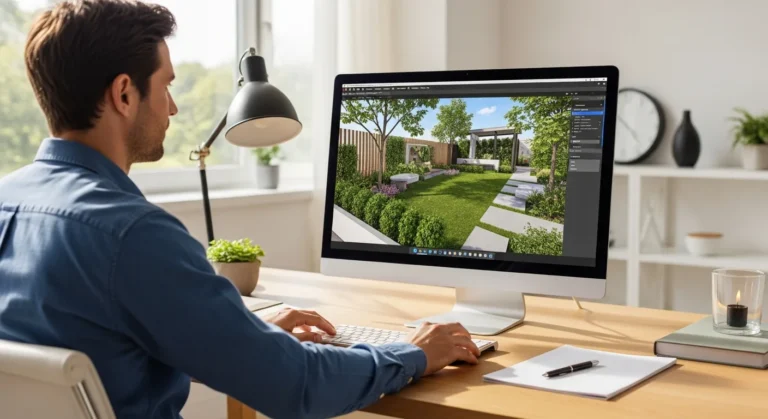
- Design Software: This is where the user creates his vector files or edits bitmaps to be ready for the laser.
For those looking to expand their digital toolkit beyond flat surfaces, exploring versatile design tools for three-dimensional projects can provide a significant advantage when creating complex enclosures or mechanical parts that require laser-cut components.
Industry Leaders: LightBurn and LaserGRBL
LightBurn: The Professional Standard
LightBurn remains the most popular choice for a reason. It is a layout, editing, and control software that supports most controllers used in the industry today. A user can import his designs in various formats like AI, PDF, or SVG and manipulate them directly within the interface. His workflow becomes much more efficient because he doesn’t need to jump between multiple programs to make a minor adjustment to a path or power setting.
LaserGRBL: The Open-Source Powerhouse
For the hobbyist on a budget, LaserGRBL is a fantastic entry point. It is highly optimized for GRBL-based machines, which are common in the entry-level market. While it lacks some of the advanced layout features of paid alternatives, it allows a maker to get his machine running quickly without any upfront cost. It is particularly effective for those who already have a finished design and simply need a reliable way to stream it to their hardware.
Essential Features for Modern Laser Operations
As we move through 2026, certain features have become non-negotiable for the serious operator. A professional ensures his software supports the following to maintain a competitive edge:
- Real-time Camera Integration: This allows him to see exactly where the design will fall on the material, reducing waste.
- Material Libraries: Saving presets for different wood types or plastics saves him hours of trial-and-error testing.
- AI-Driven Path Optimization: Modern software calculates the most efficient route for the laser head, reducing wear and tear on the machine’s motors.
- Cloud Syncing: He can design on his desktop and sync the file directly to the workshop computer instantly.
Maintaining a professional design workflow is essential when scaling from simple hobby projects to commercial-grade production, as it ensures consistency across every piece he produces.
Maximizing Efficiency with Proper Calibration
No matter how advanced the laser engraver software is, it cannot compensate for a poorly calibrated machine. An expert operator regularly checks his mirror alignment and focal length. He uses the software’s built-in test patterns to find the “sweet spot” for every new batch of material. By documenting these settings within the software, he builds a personal database that makes future projects much faster to execute.
Frequently Asked Questions
What is the best laser engraver software for beginners?
LaserGRBL is often recommended for beginners because it is free and straightforward. However, if a user wants a more intuitive “all-in-one” experience and has a small budget, LightBurn is widely considered the best investment he can make.
Can I use my laser software on multiple machines?
Most commercial licenses, like those for LightBurn, allow a user to install the software on multiple computers, provided he is the one operating them. This is ideal for a craftsman who designs in his office and engraves in his garage.
Does the software affect the speed of engraving?
Yes. High-quality software optimizes the movement paths of the laser head. By reducing “travel time” where the laser is off, the software helps the operator finish his projects much faster without sacrificing quality.
Is specialized software required for fiber lasers?
Yes, fiber lasers often require specific software like EZCAD or specialized versions of LightBurn. A user must ensure his software is compatible with the specific controller his fiber laser uses.