How to Choose the Best Projection Mapping Software for Immersive Visuals
Understanding the Power of Projection Mapping Software
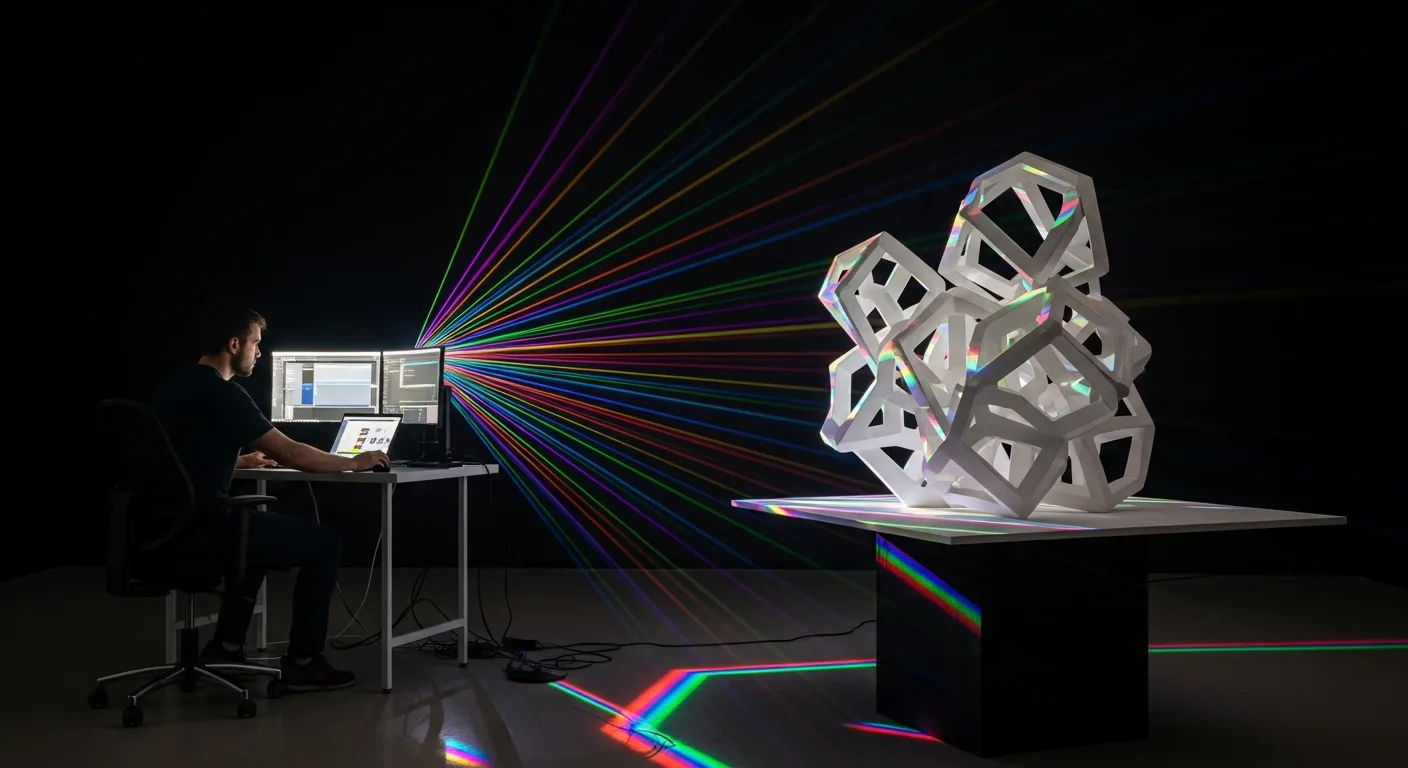
Projection mapping software has evolved from a niche tool for high-end concerts into a cornerstone of modern digital storytelling. In 2026, the ability to turn irregular objects—buildings, stages, or even industrial machinery—into a canvas for video content is more accessible than ever. For the creative professional, selecting the right software is about more than just playing video; it is about spatial augmented reality. He must find a tool that allows him to warp, mask, and blend pixels to fit the physical world with surgical precision.
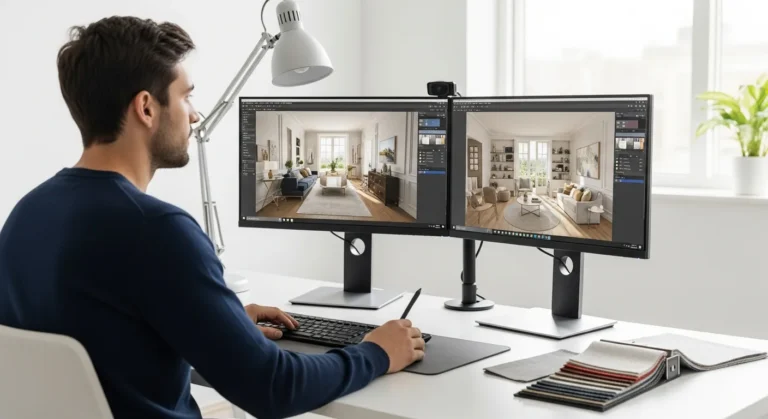
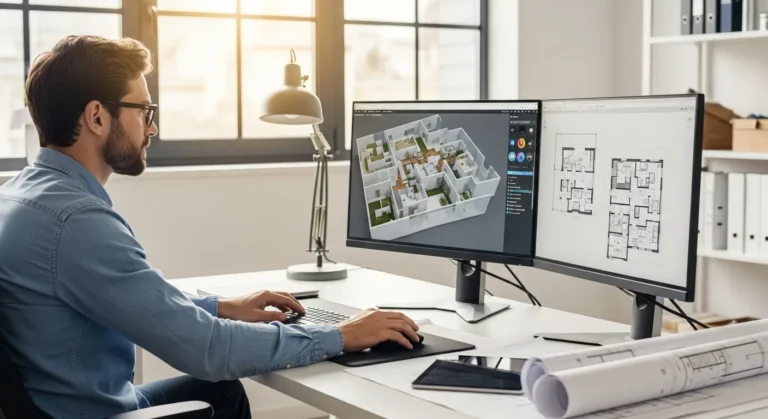
The core of any mapping project lies in the software’s ability to handle complex geometric corrections. When a technician approaches a new installation, he needs to ensure that the software can communicate effectively with his projectors, often across high-bandwidth networks. This level of technical coordination is similar to the precision required in an interior design software professional workflow, where every measurement and spatial relation must be perfect before the first light hits the surface.
Essential Features for the Modern Visual Artist
When a professional evaluates projection mapping software, he should look for specific features that define a high-performance environment. The software must serve as his command center, managing both the creative assets and the hardware output simultaneously.
- Warping and Masking: The ability to distort an image to fit a 3D object and mask out areas where light should not fall.
- Edge Blending: Essential for multi-projector setups, ensuring the transition between two projectors is invisible to the viewer.
- Real-time Rendering: Modern software allows the user to make adjustments on the fly, seeing the results instantly on the physical surface.
- DMX and MIDI Support: For the professional who needs to sync visuals with lighting or sound, these protocols are non-negotiable.
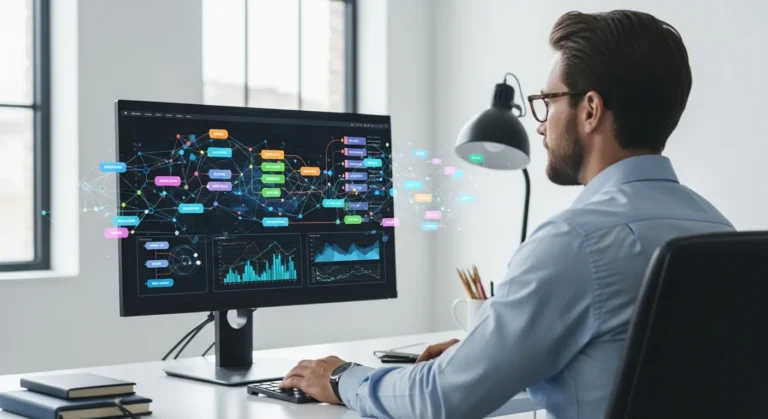
A designer often finds that managing these complex visual data streams requires a structured approach. Just as he might utilize projo project management software architecture engineering to keep a large-scale construction project on track, he must use the mapping software to organize his layers, timelines, and output slices to avoid technical failures during a live show.
Top Professional Software Options in 2026
The market in 2026 is dominated by a few key players, each catering to different levels of expertise and project scales. For the high-level professional, the choice often comes down to the specific demands of his environment.
High-End Media Servers
For stadium-sized events, a dedicated media server software is required. These systems are designed to handle massive resolutions and dozens of projector outputs. The operator can manage everything from a single interface, ensuring that his vision is translated perfectly across a 360-degree canvas. He values stability above all else, as a crash during a live event is not an option.
Creative Mapping Tools
For art installations or smaller corporate events, more flexible, software-only solutions are popular. These allow the artist to use his own high-powered workstation. He can experiment with generative content, integrating live camera feeds or interactive elements that respond to the audience. This flexibility allows him to push the boundaries of what is possible with light and shadow.
Hardware Considerations for Seamless Integration
No matter how powerful the projection mapping software is, its performance is limited by the hardware running it. The professional must ensure his GPU (Graphics Processing Unit) is capable of handling multiple 4K or 8K outputs without dropping frames. He should also consider the connectivity—using fiber optic cables for long distances to maintain signal integrity.
Furthermore, the choice of projector is critical. The software can correct the geometry, but it cannot fix a lack of brightness or poor color reproduction. The technician must calculate the throw distance and lumens required for his specific environment, ensuring his digital art stands out even in ambient light conditions.
Frequently Asked Questions
What is the best projection mapping software for beginners?
For a beginner, software that offers an intuitive interface and a lower price point is ideal. He should look for tools that provide robust tutorials and a supportive community. Many entry-level programs offer basic warping and masking features that allow a user to learn the fundamentals before moving on to more complex media servers.
Does projection mapping require 3D models?
While not always strictly necessary, using 3D models significantly enhances the precision of a project. When the designer has a digital twin of the object he is mapping, he can pre-visualize the entire show in the software. This allows him to identify potential shadows or distortions before he even arrives at the site.
Can I use projection mapping software on a standard laptop?
It depends on the scale of the project. For a single-projector setup with simple graphics, a high-end consumer laptop may suffice. However, for professional-grade mapping involving multiple outputs and high-resolution video, the user will need a workstation with a dedicated professional GPU to ensure smooth playback and system stability.