How to Choose the Right Landscape Design Software for Professional Results?
The Evolution of Digital Terrain Modeling
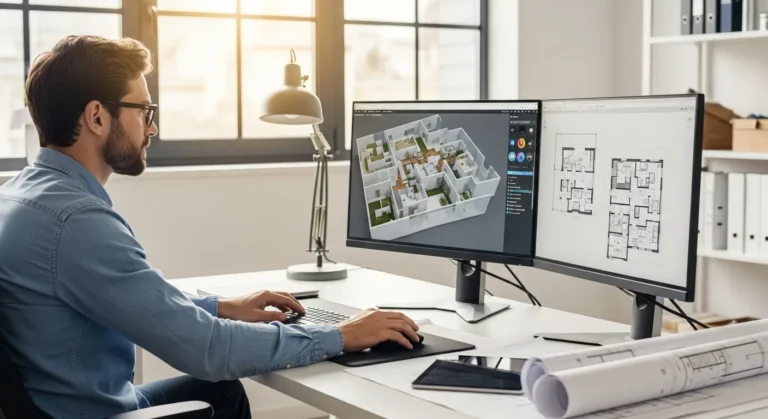
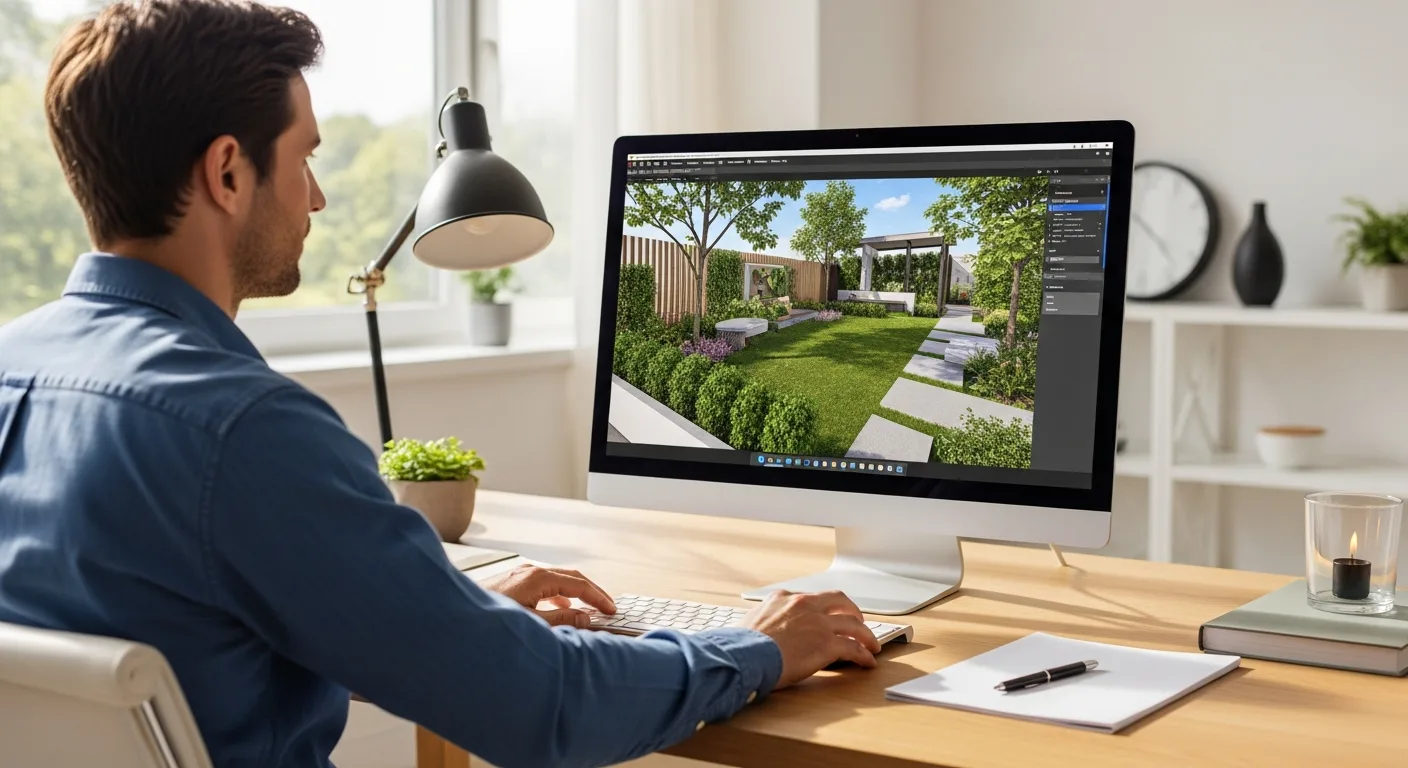
In the current 2026 design environment, the transition from hand-drawn sketches to sophisticated digital environments is complete. A professional designer no longer relies on static blueprints to convey his vision. Instead, he utilizes advanced landscape design software to create immersive, data-driven environments that allow clients to walk through their future gardens before a single shovel hits the dirt. This shift has not only improved accuracy but has also significantly reduced the time spent on revisions.
Modern software solutions now integrate real-time environmental data, allowing a designer to simulate sunlight patterns, wind exposure, and soil drainage. When he presents a project, he is not just showing a pretty picture; he is demonstrating a living ecosystem. This level of detail is essential for securing high-budget contracts and ensuring that the final physical result matches the initial conceptual promise.
Core Capabilities of Premium Landscape Tools
Choosing the right tool requires an understanding of the specific features that drive value in the field. While basic apps might suffice for a hobbyist, a professional requires a robust engine capable of handling complex geometry and high-resolution textures.
Photorealistic 3D Visualization
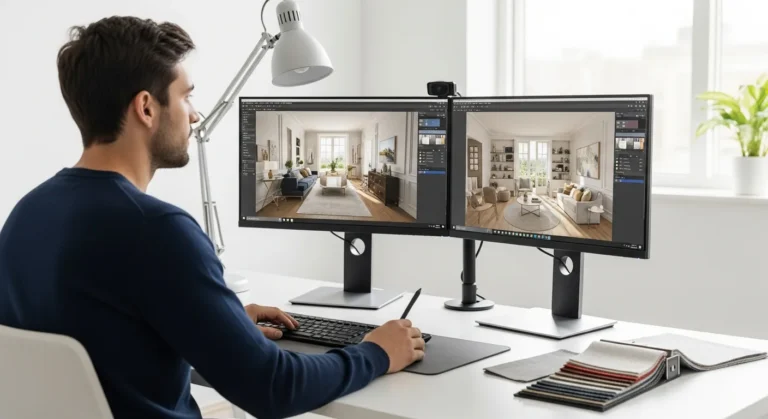
Visual impact is the primary driver of client approval. High-end software allows the architect to apply realistic textures to hardscapes, such as stone, wood, and concrete. He can adjust the lighting to show how a patio looks at sunset or under moonlight. This capability is often found in tools that mirror the depth of an interior design software professional workflow, where every detail from shadow depth to material reflection is meticulously calibrated.
Dynamic Plant Growth Simulation
One of the most powerful features in 2026 is the ability to simulate plant growth over time. A designer can show his client how a privacy hedge will look in three years versus ten years. This helps in managing expectations and planning the maintenance schedule. These libraries often contain thousands of species, each with specific botanical data attached to them, ensuring that the designer only places plants that will actually thrive in the local climate.
Integrating Design with Project Management
Software is no longer just a drawing tool; it is a central hub for project execution. Many platforms now include integrated cost estimation and material takeoff features. When the designer adds a retaining wall to his model, the software automatically calculates the number of blocks, the volume of backfill, and the estimated labor hours required. This integration ensures that he stays within budget while maintaining the integrity of his creative vision.
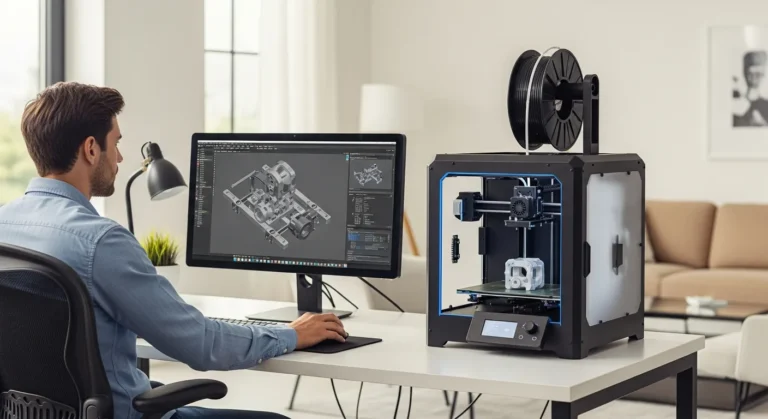
For those looking to prototype custom garden ornaments or specific structural components, leveraging free CAD software for 3d printing provides a cost-effective entry point into bespoke fabrication. By exporting models from their primary landscape suite into these CAD tools, a professional can create unique elements that set his work apart from the competition.
Hardware Considerations for High-End Graphics
To run these powerful applications, a designer must ensure his hardware is up to the task. Most premium landscape design software requires a dedicated graphics card, a high-speed processor, and at least 32GB of RAM. Without these specs, he may experience significant lag when rendering complex 3D scenes or processing large terrain maps. It is an investment in his efficiency; the faster the software responds, the more time he can spend on the creative aspects of his project.
Frequently Asked Questions
What is the most important feature in landscape software?
Accuracy in terrain mapping and a robust, botanically accurate plant database are the most vital components for any professional. These features ensure the design is both buildable and sustainable.
Can I use landscape software on a mobile tablet?
Yes, many modern platforms offer mobile versions that allow a designer to sketch ideas or show 3D models to clients while on-site. However, the most intensive rendering tasks are still best handled on a powerful desktop workstation.
Does the software include cost estimation tools?
Most professional-grade packages include modules for material takeoffs and cost estimation, helping the designer provide accurate quotes to his clients instantly.
How does VR integration help a designer?
Virtual Reality allows a designer to immerse his client in the proposed space. By wearing a headset, the client can experience the scale and flow of the landscape, which often leads to faster decision-making and higher satisfaction.