How Can ERP Software for Builders Protect Your Profit Margins in 2026?
The High Cost of Disconnected Construction Data
A builder often finds himself juggling a dozen moving parts: fluctuating material costs, subcontractor schedules, and demanding clients. When these elements are managed through scattered spreadsheets or mental notes, profit margins inevitably shrink. In 2026, the difference between a successful project and a financial disaster lies in how a builder centralizes his data.
Generic business software rarely accounts for the unique chaos of a construction site. A builder needs a system that understands retentions, progress claims, and variations. Without a dedicated ERP, he risks losing track of small expenses that, when compounded, can derail an entire year’s revenue. Transitioning to a specialized system ensures he has a single source of truth for every nail and hour billed.
Real-Time Job Costing: The Builder’s Secret Weapon
The most significant advantage of ERP software for builders is the ability to track costs in real-time. Instead of waiting until the end of a project to realize he overspent on timber or labor, a builder can see his financial standing daily. This allows him to make immediate adjustments before a minor budget leak becomes a flood.
Modern ERPs integrate directly with accounting modules, ensuring that every purchase order is tracked against the original estimate. When a builder utilizes a specialized construction industry ERP guide, he learns how to automate these workflows, reducing the time he spends on manual data entry and increasing the time he spends on-site overseeing quality control.
- Automated Variations: Capture changes on-site via mobile and update the contract value instantly.
- Commitment Tracking: Know exactly what has been ordered versus what has been invoiced.
- Labor Analysis: Compare estimated man-hours against actual site attendance to identify inefficiencies.
Streamlining Subcontractor and Vendor Management
A builder is only as good as the crew he hires. Managing dozens of subcontractors requires precision. An ERP system allows a builder to store compliance documents, insurance certificates, and historical performance data in one place. He can send out tenders, compare quotes, and award contracts without digging through a cluttered inbox.
Beyond the technical logistics, maintaining strong relationships with vendors is vital. By using an ERP to automate payments and track deliveries, a builder ensures his suppliers are paid on time, which often leads to better pricing and priority service. For those focusing on the front-end of the business, integrating construction-focused CRM solutions helps him manage lead pipelines and client expectations before the first brick is even laid.
Eliminating the Paper Trail with Mobile Integration
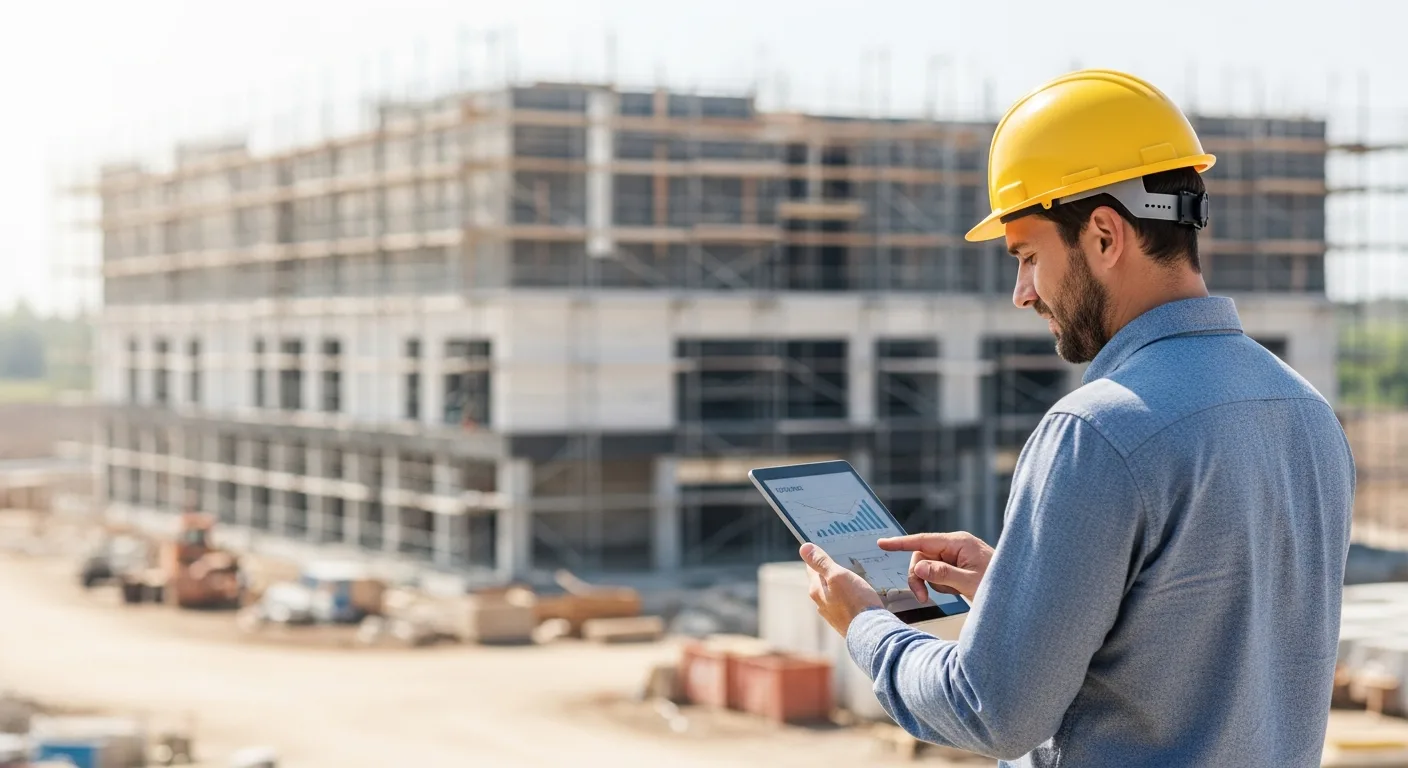
The days of a builder carrying a tattered blueprint and a notebook are over. In 2026, the best ERP software for builders lives on his smartphone. He can snap a photo of a delivery docket, log a site diary entry, or approve a time-sensitive purchase order while standing in the mud. This instant connectivity prevents the information lag that typically causes project delays.
Cloud-based synchronization means the office team sees what the builder sees. If he identifies a structural issue on-site, he can upload a report immediately, allowing his engineers to review and respond in minutes rather than days. This level of agility is what separates the modern professional builder from his lagging competitors.
Choosing the Right ERP for Your Building Business
Not every ERP is built the same. A custom home builder has different needs than a commercial developer. When a builder evaluates his options, he should look for scalability. He needs a system that fits his current volume but won’t break when he doubles his project load next year.
He should also prioritize ease of use. If the software is too complex, his site supervisors will ignore it, leading to data gaps. The goal is to find a balance between powerful reporting and a clean, intuitive interface that his team will actually use every day.
Frequently Asked Questions
Is ERP software too expensive for small builders?
While there is an upfront cost, the ROI comes from preventing budget overruns and saving hours of administrative work. Many modern providers offer tiered pricing based on project volume, making it accessible for smaller operators.
Can I integrate my existing accounting software with a builder ERP?
Yes, most leading ERPs for builders offer seamless integrations with popular accounting tools. This ensures a builder doesn’t have to abandon the financial systems he already trusts.
Does the software work offline on remote job sites?
Many top-tier ERPs include offline modes for their mobile apps. A builder can input data without a signal, and the system will automatically sync once he returns to an area with connectivity.
How long does it take to implement a new ERP?
Implementation varies, but a builder should typically expect a 2 to 4-month transition period. This includes data migration, team training, and setting up specific project templates to match his workflow.